You can edit Published or Draft Forms by clicking on a name
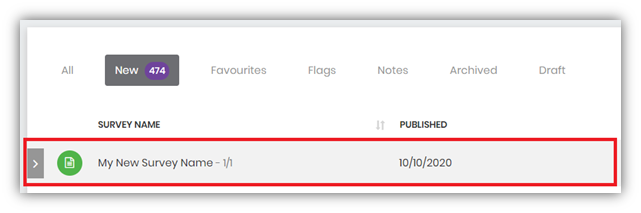
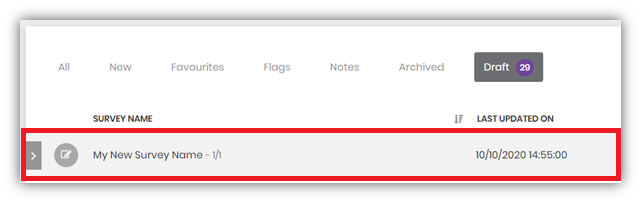
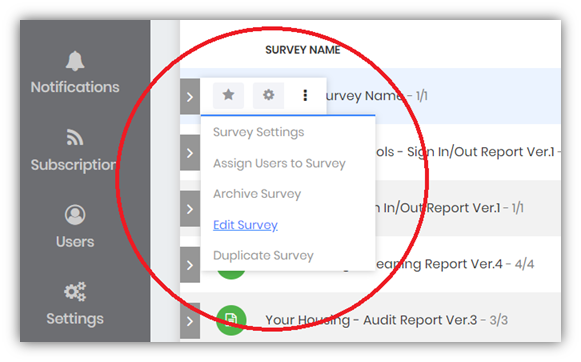
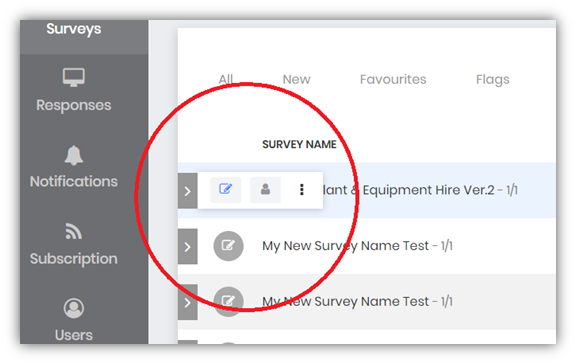
or by selecting an option from its Side Tools
There are a few differences between Published and Draft Forms what you can edit or not:
| Published Form | Draft Form | |
|---|---|---|
| Questions: | ||
| Add | ✔ | |
| Remove | ✔ | |
| Move | ✔ | |
| Name | ✔ | ✔ |
| Answers | ✔ | |
| Features | ✔ | |
| Controls | ✔ | |
| Mandatory | ✔ | ✔ |
| Scores | ✔ | |
| Skip Logic | ✔ | ✔ |
| Design: | ||
| Logo | ✔ | ✔ |
| Background Image | ✔ | ✔ |
| Colours | ✔ | ✔ |
| Settings: | ||
| Name | ✔ | ✔ |
| Type | ✔ | |
| Type Settings | ✔ | ✔ |
| Flow | ✔ | ✔ |
| Audit | ✔ | |
| Loop | ✔ | ✔ |
If you are not an administrator, you will need to have permission to create new Mobile Forms & Surveys. This will depend on a User Role assigned to you by your administrator.