Purpose of an End Screen is to thank or present users with other important visual information before they exit a Form.
.
1. To create an End Screen you need to have at least one Question Type added onto your Questions List Area
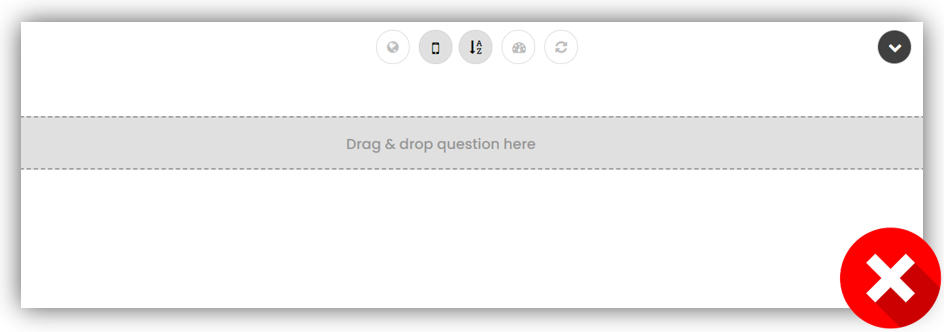
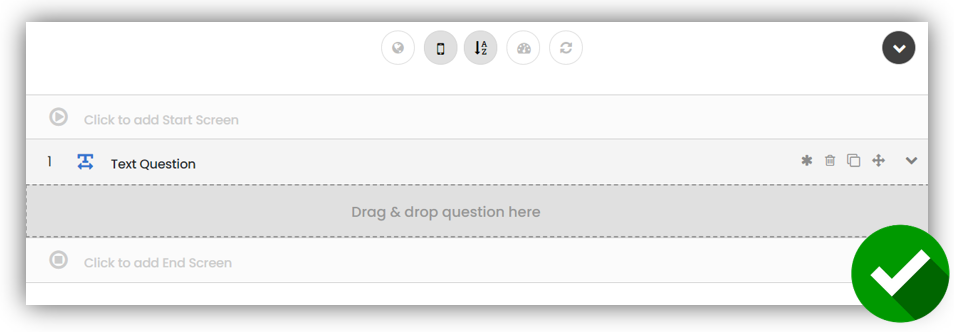
2. Click once onto the gray area to add End Screen
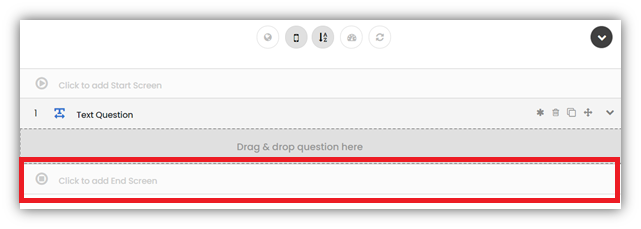
3. End Screen becomes active and is ready for configuration
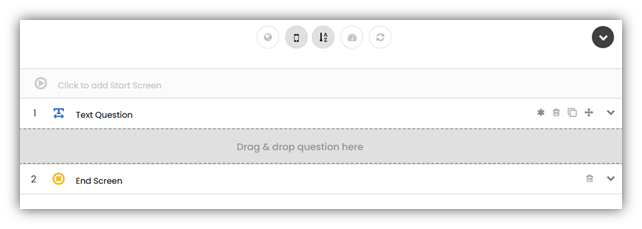
4. Now you can edit End Screen settings
.
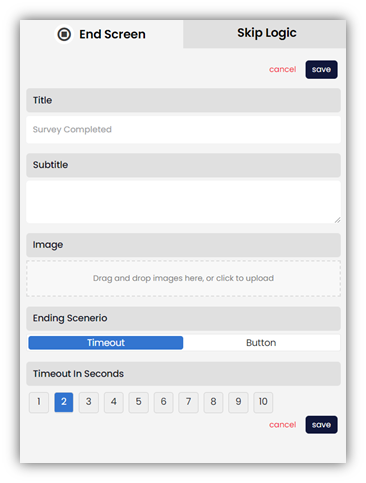
Title
Text can contain alphanumeric characters [A-Z, a-z, 0-9], basic punctuation, symbols, and spaces
Subtitle
Text can contain alphanumeric characters [A-Z, a-z, 0-9], basic punctuation, symbols, and spaces
Image
Administrators can upload one image
Ending Scenario
Button Text
Text can contain alphanumeric characters [A-Z, a-z, 0-9], basic punctuation, symbols, and spaces
If you are not an administrator, you will need to have permission to create new Mobile Forms & Surveys. This will depend on a User Role assigned to you by your administrator.