Sometimes it might be important to keep additional information related to a Response.
.
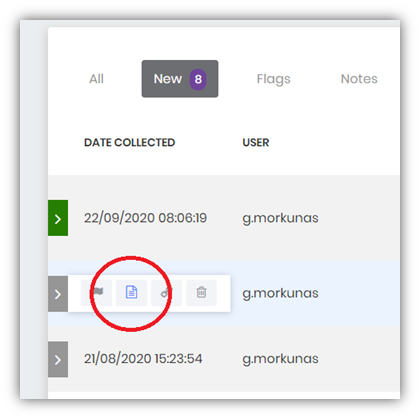
1. You can add Note to a Response by using Notes option in its tools area
2. In a pop-up window you write a text and attach files
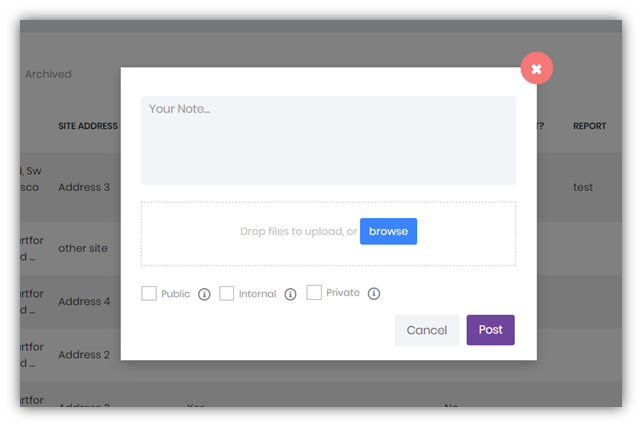
3. It is important to select an appropriate audience:
Audience options will depend on a User Role assigned to you by your Administrator.
.
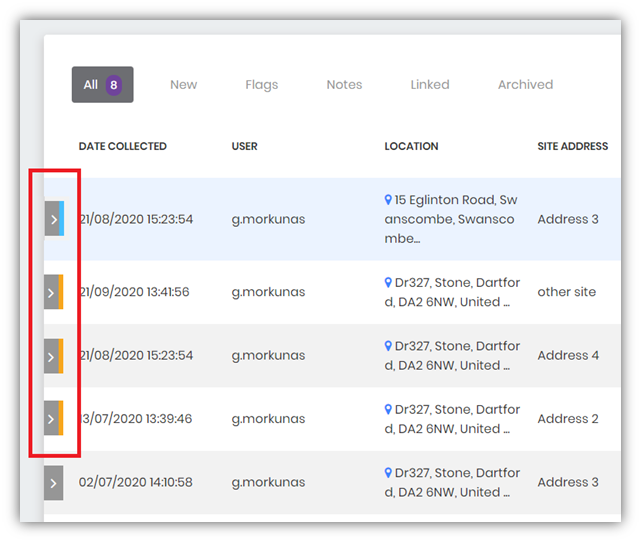
Colour coding
In the tools area we are displaying colours:
Blue – when there’s a note that you have seen
Orange – when there’s a new note
Notes can also be added on an individual response window.